Introduction
When your ERP says a job is 80% complete, how confident are you in that number? For most manufacturers, the honest answer is: not very.
Production managers, schedulers, and estimators make critical decisions every day based on shop tracking data: job costing, delivery commitments, capacity loading. The problem is that data feeding those decisions is often hours old, filtered through operator recall, or stripped of the context that makes it actionable.
The consequences are direct. Inaccurate job costing means you're pricing work wrong. Stale status data means bottlenecks develop before anyone sees them. And when shop data doesn't reflect reality, promised delivery dates start slipping, routinely enough that expediting becomes standard practice rather than the exception.
This article defines what shop floor tracking actually captures, walks through the most common sources of inaccuracy, and outlines what genuinely accurate tracking looks like in practice.
Key Takeaways:
- Most shop tracking inaccuracy comes from manual entry, operator workarounds, and disconnected systems — not failed technology
- Machine data alone can't identify the job, the operator, or whether quality steps were completed
- Actionable tracking requires machine signals combined with job-level ERP context
- Accurate tracking depends on eliminating self-reporting wherever possible through automation at the source
What Is Shop Floor Tracking?
Shop floor tracking is the ongoing collection of production data used to measure actual performance against planned output. It covers job status by operation, machine utilization, operator labor hours, cycle times, first-pass yield, and non-conformance events.
The critical distinction is between ERP-planned data — what is supposed to happen — and actual shop floor data — what is happening. That gap is where tracking accuracy problems begin. Your ERP holds the plan; your shop floor tracking system is supposed to tell you how reality is diverging from it.
When that feedback loop breaks down, plan and reality drift apart — often undetected until a missed delivery or quality escape makes the gap impossible to ignore.
What a Shop Tracking System Should Capture
A complete shop tracking system needs to record:
- Which operations are open, running, or completed — tied to a specific work order
- How long each machine ran, idled, faulted, or sat in setup
- Actual operator hours attributed to individual work orders and operations
- Quantities completed versus scrapped or sent to rework
- Scrap reasons, quality holds, and in-process inspection results
When any of these categories is missing or unreliable, the picture of shop performance is incomplete — and decisions made from it carry hidden risk.
Why Shop Tracking Accuracy Matters
The Job Costing Problem
Inaccurate tracking corrupts job costing directly. When actual machine time and labor hours aren't captured correctly, manufacturers systematically over- or under-price work. A 2022 peer-reviewed CNC cost-estimation study found average machining-operation-time deviations of 12–14% across validation cases — and that's in a controlled research environment. In production, where data entry is manual and interrupted, the variance is often worse.
For a job shop running hundreds of work orders simultaneously, a consistent 12% time estimation error compounds into significant margin erosion. You don't lose money on any single job — you just slowly price yourself into unprofitability across a product mix.
Scheduling on Stale Information
Delayed or incorrect status data forces production managers to make scheduling and capacity decisions on information that no longer reflects the floor. A machine that went down two hours ago doesn't appear as a capacity constraint until the next reporting cycle. By then, downstream operations are already affected.
The damage from stale scheduling data tends to be cumulative:
- One missed constraint creates a small bottleneck
- That bottleneck builds a queue
- The queue triggers expediting — moving jobs out of sequence to salvage a delivery date
- Expediting then disrupts the schedule for every other job in the shop

The Downstream Effect on Customers
When shop data doesn't reflect reality, delivery commitments become guesses. Shops operating on delayed tracking data often can't answer a customer's "where is my order?" question accurately, because the system answer and the floor reality have diverged. That gap between system and floor erodes trust fast. Research on supplier switching consistently shows that on-time delivery reliability ranks among the top reasons customers change sources — and it's one of the harder reputational problems to reverse.
Common Causes of Inaccurate Shop Tracking
Most tracking problems aren't caused by bad technology. They're caused by how data gets into the system in the first place.
Manual Data Entry Lag
When operators record job time, quantities, and scrap manually — on paper travelers, shared terminals, or end-of-shift kiosk entries — the data is always delayed. A job completed at 10 a.m. recorded at 3 p.m. is already four hours stale. A 2024 Manufacturing Leadership Council survey found that 70% of manufacturers still rely on manually entered data as a primary manufacturing data source. That means the majority of shop floor decisions are being made on data that passed through at least one human hand before it reached the system.
Operator Workarounds
When reporting systems are slow or awkward, operators adapt — and not always in ways that preserve data integrity. Common patterns include:
- Clocking all labor to one job code rather than switching between operations
- Skipping scrap entries for small quantities ("it's not worth the paperwork")
- Rounding hours to the nearest convenient number
Each individual workaround seems minor. Over weeks and months, they compound into systematic data distortion — and the distortion is nearly invisible because operators aren't flagging it.
Disconnected Systems
Human-side errors aren't the only source of bad data — system-side gaps compound the problem. The same MLC survey found that 53% of manufacturers cite data from different systems or formats as a top obstacle to data-driven decisions. When machines, ERP, and MES don't share data automatically, someone has to manually bridge the gap. That reconciliation introduces transcription errors and creates version conflicts — the floor knows one thing, the system shows another, and no one is sure which to trust.

Machine Signal Misinterpretation
Raw machine signals — spindle on/off, program running, feed hold — don't automatically translate to productive output. A spindle running doesn't tell you which job it's running, whether the right material was loaded, or whether a quality step was completed.
Without that job-level context, cycle time data can misrepresent actual efficiency in ways that look fine on a dashboard but misrepresent real output.
Batch Reporting Cycles
Some shop systems only refresh data at set intervals — end of shift or end of day. A machine that faulted at 9 a.m. may not appear as a problem until the afternoon report. By that point, a production manager has already committed capacity that isn't available and made promises that can't be kept.
How Real-Time Shop Tracking Works — and Where It Falls Short
The Machine Data Layer
Automated real-time tracking systems improve baseline accuracy by eliminating manual entry delays. Sensors and machine integrations capture events at the moment they occur — modern CNC machines can output status signals continuously, giving systems a live view of running, idle, faulted, and setup states without requiring operator involvement.
Standards like MTConnect and OPC UA for Machine Tools formalize this capability. The OPC UA specification for machine tools supports exchange of job-order start and end times, cycle time calculations, and production forecasts — at sampling rates as fine as 1 Hz. That's real-time machine visibility in the strictest sense.
But machine-only data has a hard ceiling.
The Operator Context Gap
A running spindle tells you the machine is active. It doesn't tell you:
- Which job is running
- Whether the right material was loaded
- Whether the operator completed the required quality check
- Whether a quality hold should have stopped the cycle
Without operator-linked context, machine data is operationally incomplete. You know something is happening — you don't know if it's the right thing.
The Integration Gap
Even real-time machine data loses accuracy when it isn't tied to ERP job orders and operation sequences. A machine running a program is meaningless for job costing or scheduling unless the system knows which work order that cycle belongs to. McKinsey identifies missing data points and incomplete mappings as recurring manufacturing data problems. Machine-only tracking falls squarely into that category.
Closing the Gap
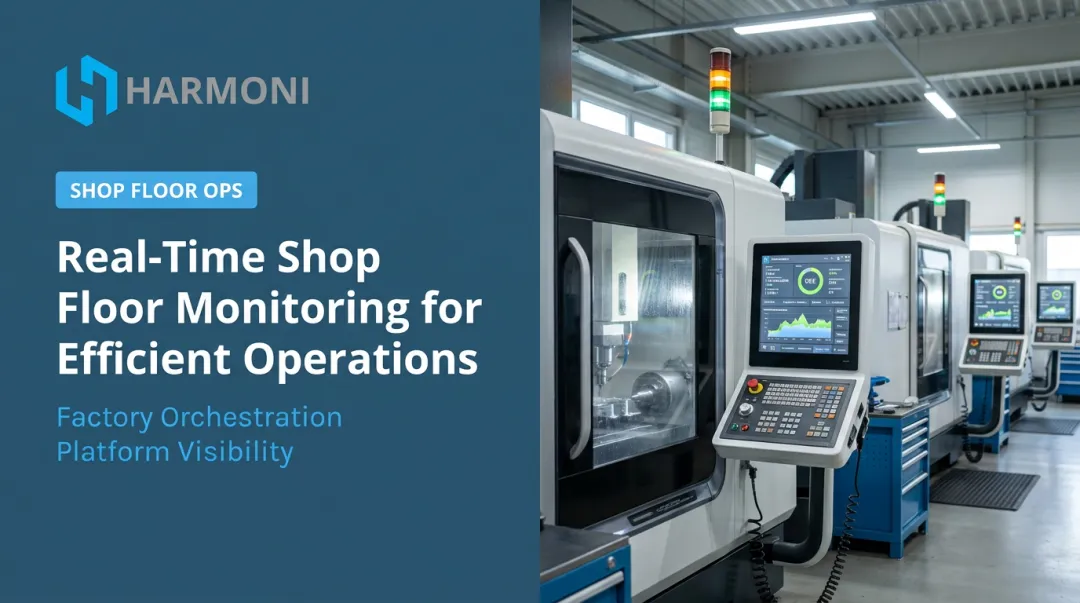
This is what platforms like Harmoni are designed to address. Rather than treating machine data and ERP data as separate streams, Harmoni unifies all three into a single operational view:
- Machine signals — live spindle state, cycle counts, fault events
- Operator activity — RFID-identified labor linked to specific workcenters and jobs
- ERP job data — work orders, routings, and operation sequences pulled in real time
When a spindle cycles, the system knows which work order it belongs to, who is running it, and whether that matches the routing. That's what converts raw machine data into shop floor intelligence.

How to Improve Shop Tracking Accuracy
Automate Data Capture at the Source
Eliminate manual reporting wherever possible. Machine integrations and RFID-based detection log operator presence and job assignments automatically — without relying on operators to self-report. Harmoni's long-range RFID approach, for example, automatically detects nearby employees and current job assignments, removing the manual selection step that creates wrong job assignments.
Connect Machine Data to ERP Job-Level Context
Every machine event needs to be tied to a specific work order and operation in the ERP. This linkage can't be a manual step — it has to be automatic and continuous. Platforms that sit between machines and ERP systems as an orchestration layer handle this automatically, keeping cycle time data and job costing synchronized without manual reconciliation.
Harmoni's approach links CNC spindle data and employee data directly to ERP job records — which is how shops move from "the machine ran 65% of the time" to "job 10472 ran 6.2 hours against an estimated 5.5 hours, with this operator, on this equipment."
Build Operator Feedback Into the Process
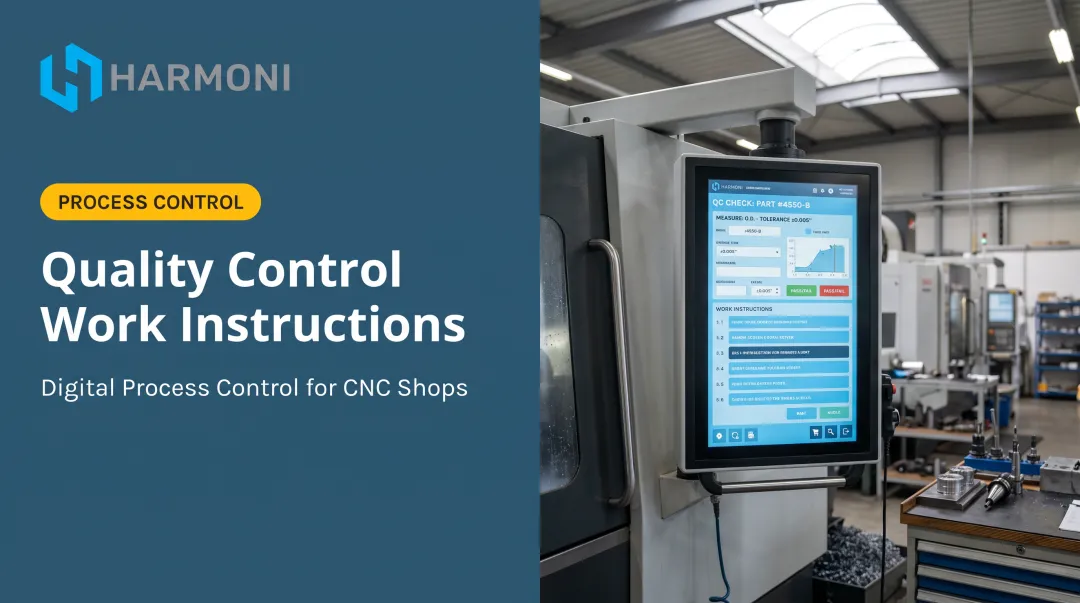
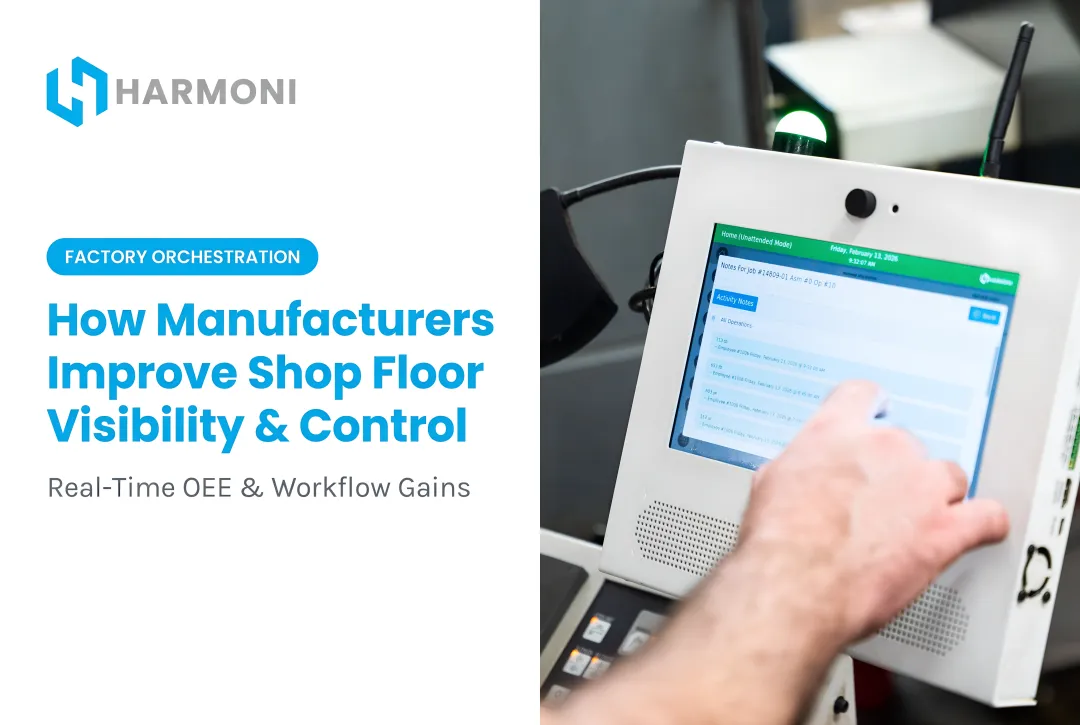
That job-level accuracy depends equally on what happens at the machine. Giving operators a guided workcenter station — one that surfaces the correct work instructions, flags missing quality steps, and records activity in real time — improves data quality and execution consistency at once. Data capture becomes a natural byproduct of correct execution, not an additional burden.
Configure Real-Time Exception Alerting
Set thresholds for deviations that matter, then act on them immediately — not in tomorrow's shift report. Common alert triggers include:
- Cycle time overruns against the estimated operation time
- Scrap counts exceeding a defined per-shift limit
- Machines idle beyond an acceptable window
When those thresholds are breached, the alert surfaces immediately. The difference between catching a problem in real time versus discovering it post-shift is often the difference between a fixable problem and a missed delivery.

Frequently Asked Questions
Is shop tracking reliable for manufacturing?
Reliability depends almost entirely on how data gets into the system. Automated systems that integrate machines, operators, and ERP data are significantly more reliable than manual or batch-reporting approaches. The underlying technology is rarely the weak point. The data collection method is.
Does shop tracking work in real time?
Modern shop tracking platforms can operate in real time when directly integrated with machines and operator workflows. Many systems, however, only appear real-time while actually running on delayed manual inputs or periodic refresh cycles. Check whether data is captured at the moment of the event or entered after the fact: that gap determines whether your visibility is genuine or just a lagging report dressed up as a dashboard.
What data does shop floor tracking capture?
Core tracking categories include:
- Job and operation status
- Machine utilization (uptime, downtime, cycle times)
- Labor hours per job
- Scrap and rework events
- Setup times
- Quality inspection results
Complete tracking requires all of these. Gaps in any one category reduce the reliability of the others.
What causes inaccurate shop floor tracking?
The most common culprits:
- Manual data entry lag that separates when events happen from when they're recorded
- Operator workarounds that distort time and quantity records
- Disconnected systems requiring manual reconciliation between machines and ERP
- Batch reporting cycles that create hours of latency between events and visibility
How does manual tracking compare to automated systems?
Manual tracking introduces both time delays and human error. A job event recorded hours after it occurred carries recall error in addition to latency. Automated capture eliminates both by logging the event at the moment it happens, without passing through human recall.
What is the difference between shop floor tracking and an MES?
A Manufacturing Execution System manages production scheduling, routing, and dispatch. Shop floor tracking focuses on capturing what is actually happening on the floor (machine states, operator activity, job progress) in real time. The most accurate environments connect both systems to each other and to ERP data, so planned and actual performance are continuously compared.