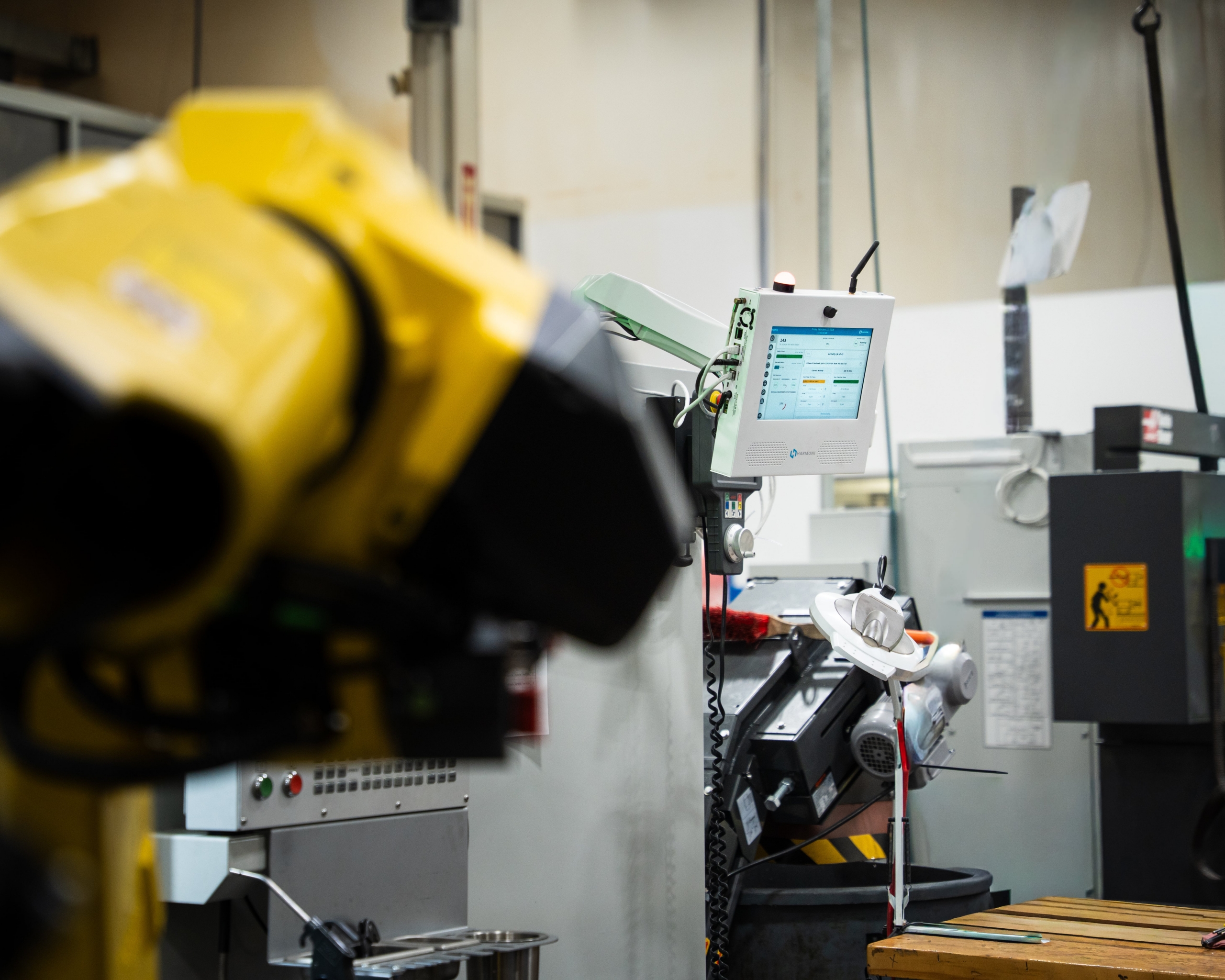

Harmoni eliminates costly mistakes by linking approved machine programs to production jobs and machines, all powered by RFID technology.
Traditional DNC software programs often require operators to manually select and input program names, a process that is time-consuming and prone to human error, potentially leading to costly scrap. Harmoni’s approach centers around a revision-controlled DNC program storage system, which allows authorized engineers to upload all necessary code, offsets, macro value defaults, tool length offsets, fixture offsets, CNC machine tool setups, and settings for each part you run, specific to the product job and the CNC machine it is being run on.
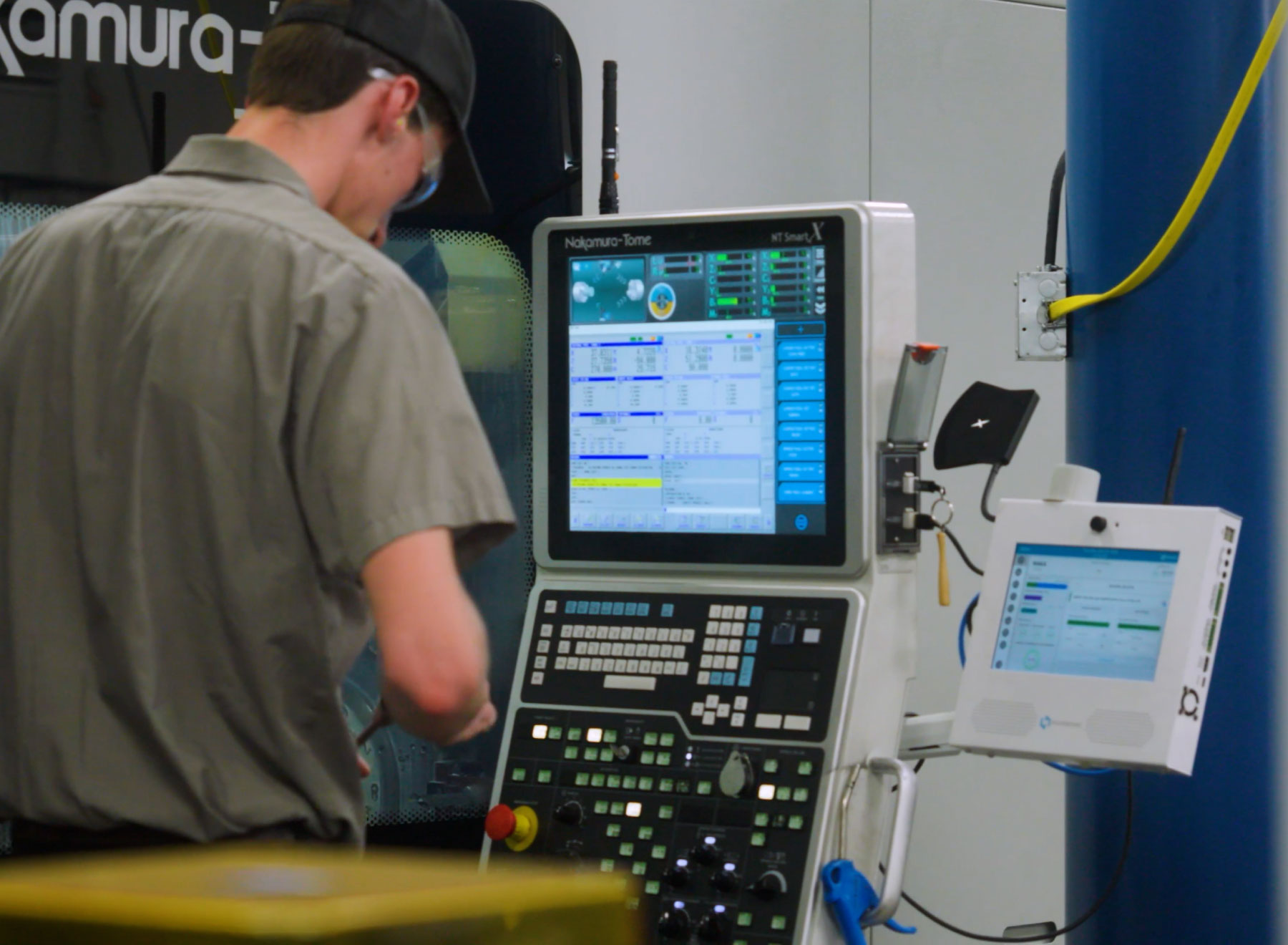
How Does Harmoni Revolutionize DNC Software and Machine Program Loading?
Harmoni includes powerful revision tracking to monitor program changes and updates. Harmoni then links these components with parts in your ERP system, ensuring precise program-to-machine assignment. Harmoni identifies the job that CNC operators are working on (via RFID tags, barcode scans, or manual input) and presents the correct program for loading, thus simplifying program transfers and reducing the likelihood of errors.
Flexible Program Storage
A revision-controlled program storage system is at the heart of this module. Authorized engineers on your team will use this system to upload all of their G-code, offsets, macro value defaults, setup, and settings per part that you run. Powerful revision tracking automatically allows you to see which lines change as updates are saved.

Part + Rev + Machine Association
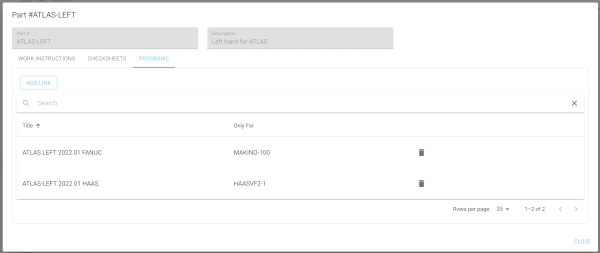
The packet of code components, settings, macro defaults, and offsets from the previous step is associated with parts in your ERP system. Our association screen allows you to specify precisely which packet goes to which machine for a given part.
Machine Program Change Detection
If G-code changes are made on the shop floor, how will this be updated within your shop floor systems? How do engineering teams get notified? And most of all, how do you keep these changes under version control?
Harmoni allows your operators to notify your engineering teams of program changes. Then, engineering teams can review those changes, perform needed version control changes, and close out the associated task.
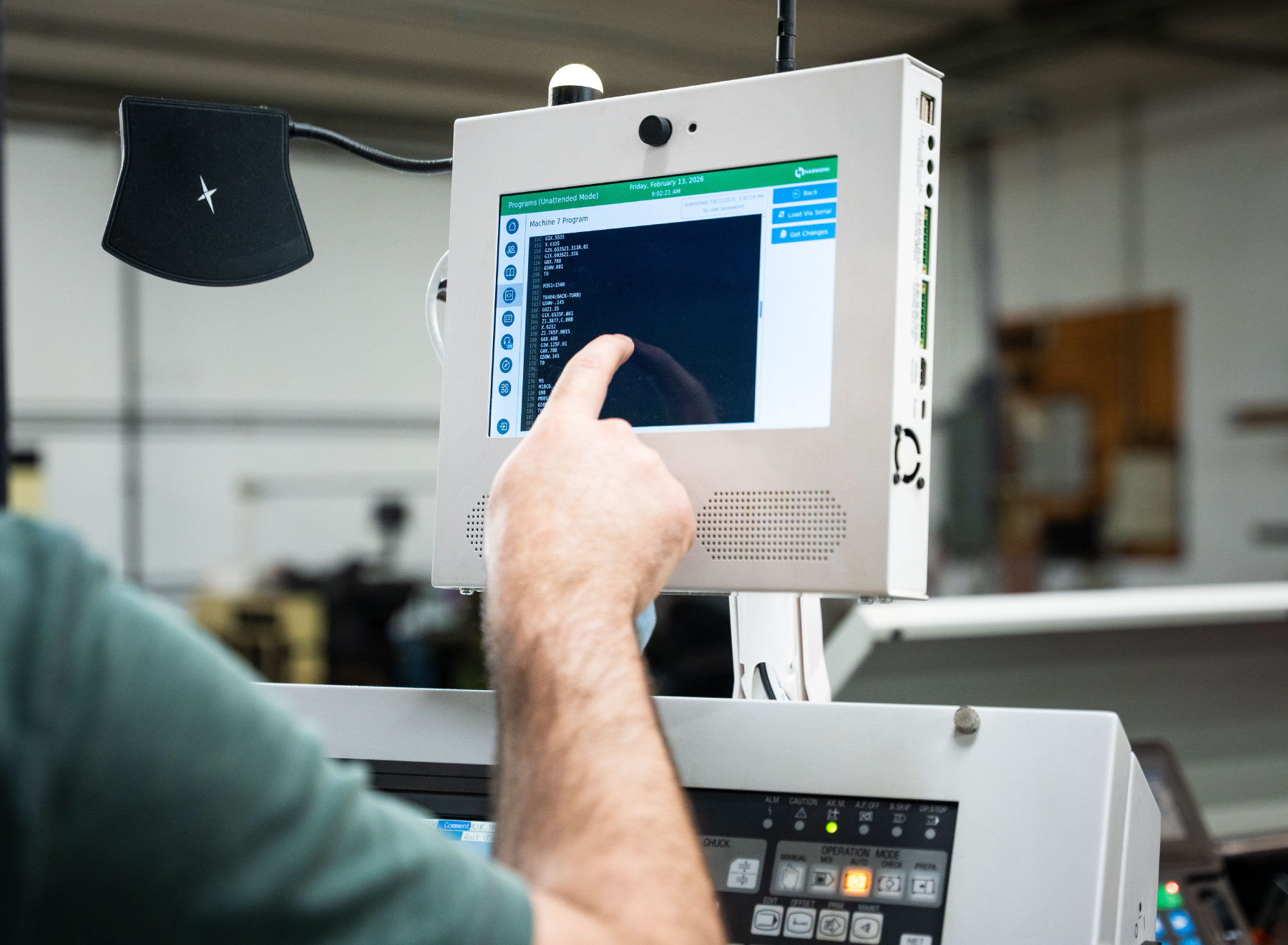
DNC Server for All Your Manufacturing Machines
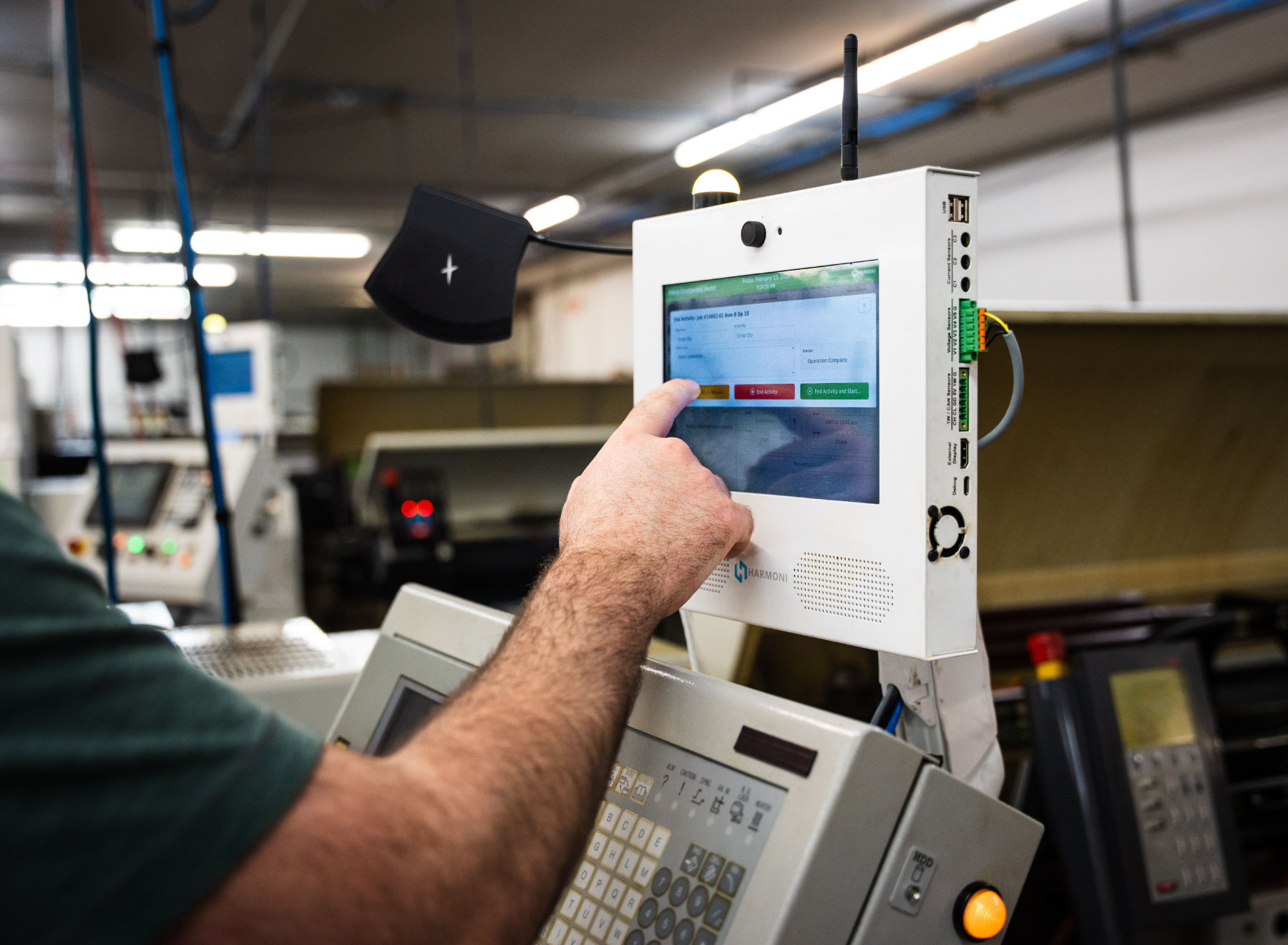
The Harmoni terminal becomes a DNC software server for the connected machine. As the operator’s job is detected (either via RFID tags, barcode scan, or manual input), the correct programs will be presented for loading on the program code tab. A tab will be presented for each job the operator is clocked onto. Within each job tab, operators simply need to tap the button for the program they wish to load.

No More USB Program Loading
Gone are the days of carrying around a USB thumb drive, USB key, or floppy disk drive all over your factory floor! Harmoni utilizes proprietary technology that connects directly to a machine’s USB port. The machine will only see one program from the DNC software – the correct program – for the part/revision/machine the operator is working on.
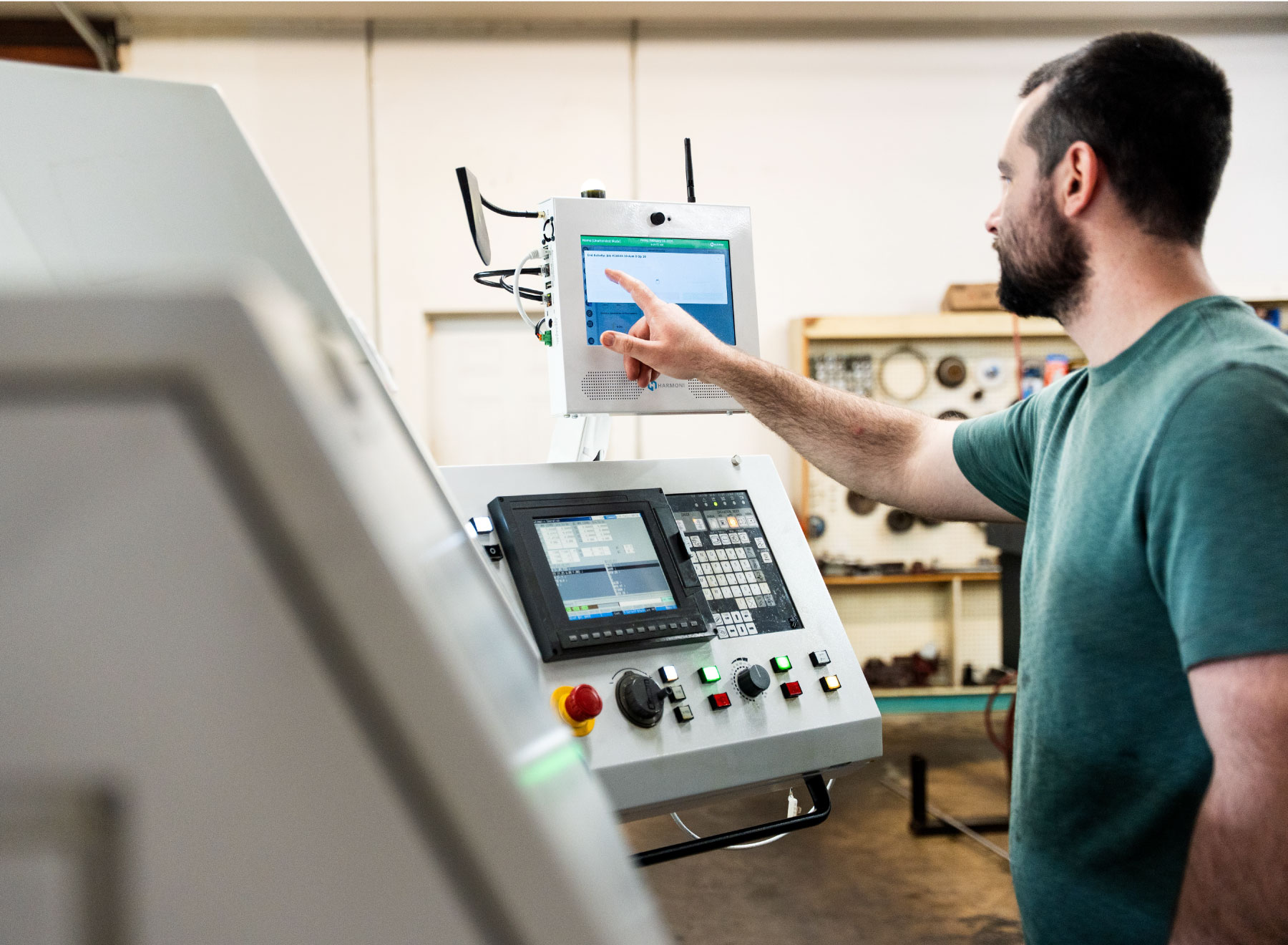
Keep Those Old Machines!
Harmoni also allows for program loading via RS232, including by way of DNC / drip-feeding. Harmoni will take the time and guesswork out of this process, only loading the correct program.
Adding a Harmoni terminal can extend the capabilities of legacy equipment by providing additional features such as real-time machine monitoring, dynamic work instructions, labor tracking, and insight into your shop floor processes.
The Harmoni terminal is equipped with legacy and modern connectivity, helping to ensure machine and hardware compatibility.
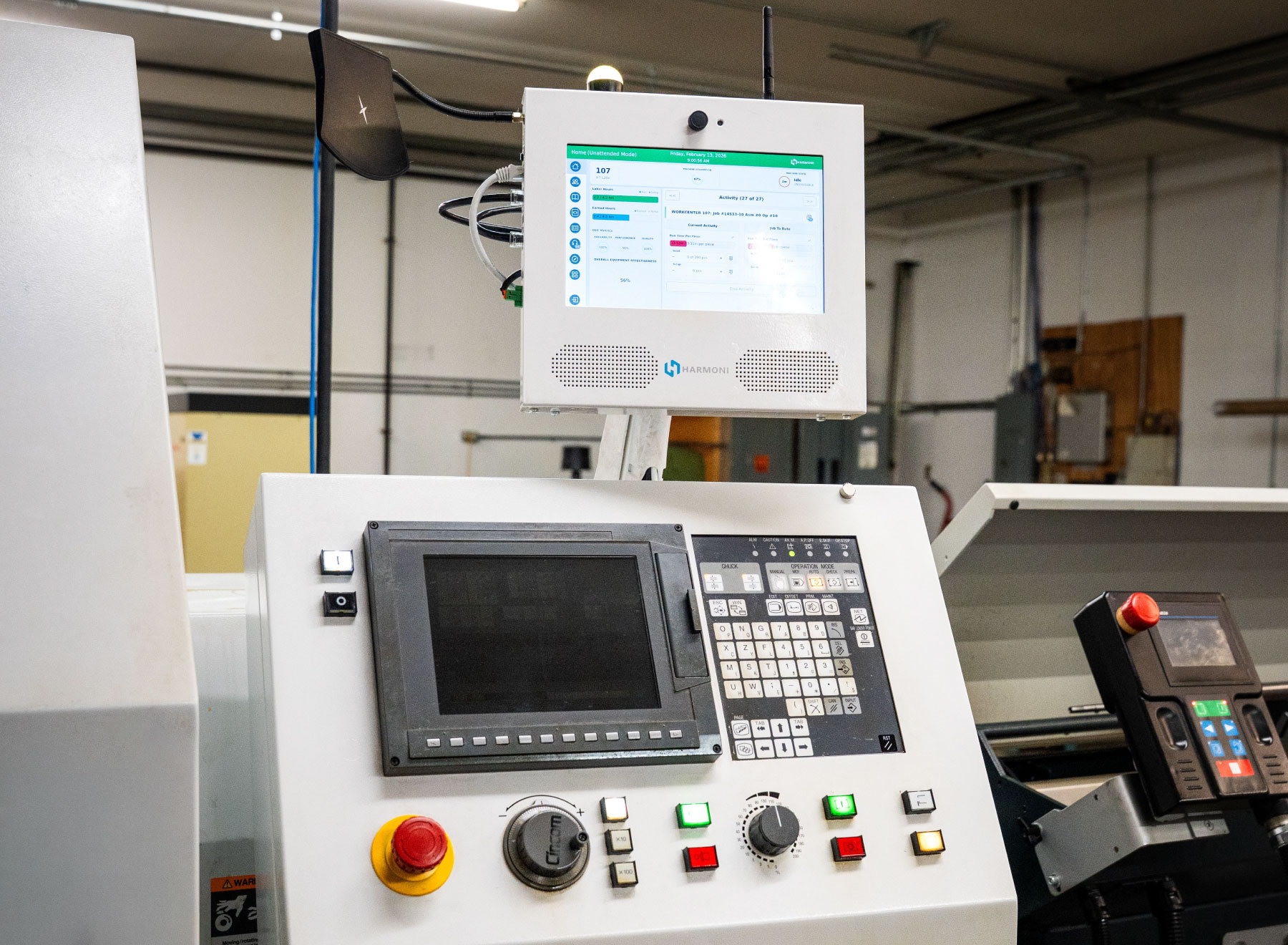
Reduce Scrap & Increase Efficiency
Nothing will scrap a part as quickly as using the wrong machine programs. Harmoni eliminates this common source of error, helping to eliminate scrap and waste. And when your machine operators spend less time figuring out which program to run, they spend more time making parts.