November 4, 2026
Building the Factory of the Future Starts with the Factories We Have
Read More
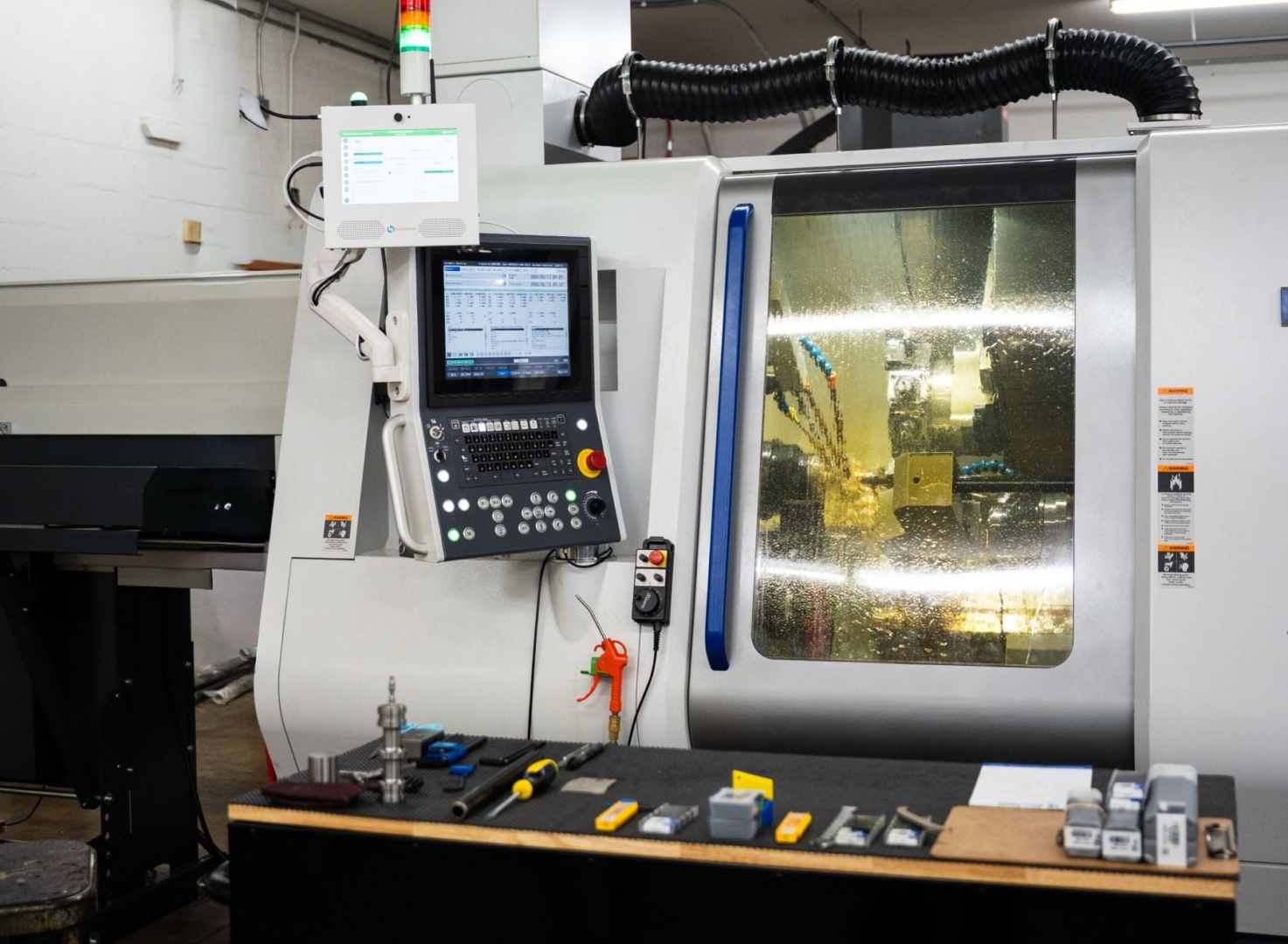
A CNC machine can run exactly as instructed and still produce scrap if it receives the wrong program.
That can happen when an operator selects a file with a similar name, uses an outdated revision, or transfers a program that was intended for another machine. The mistake may not become obvious until the part is already cut, inspected, or delivered to the next operation.
Preventing wrong-program errors takes more than asking operators to double-check filenames. It requires a process that connects the approved program to the job, part revision, and machine, then verifies that connection before production begins.
Most wrong-program incidents start with a handoff or information gap. Common causes include:
A checklist or second review can help, but it still leaves the final decision to a person. The stronger control is to make the approved program the one the system presents for the active job.
A reliable process starts by identifying the work being run. Before a program reaches a CNC control, the system should confirm:
When those details are linked, program delivery can be based on the actual production context instead of a manual search through files.
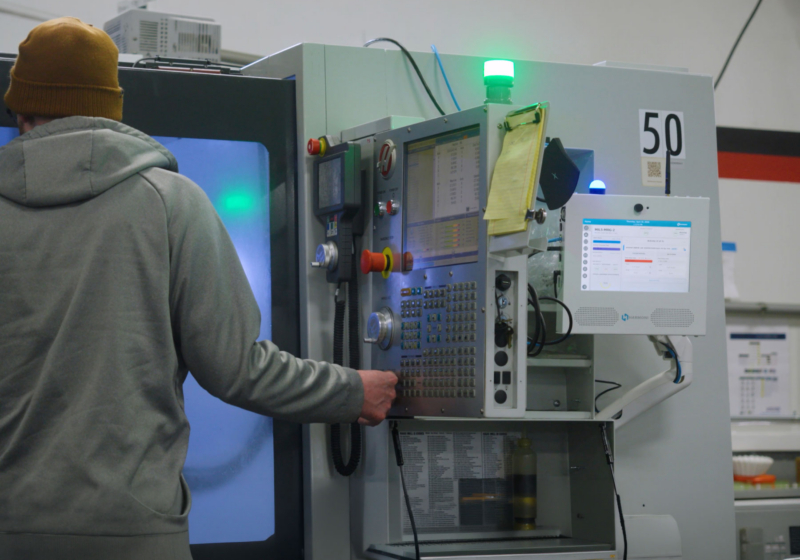
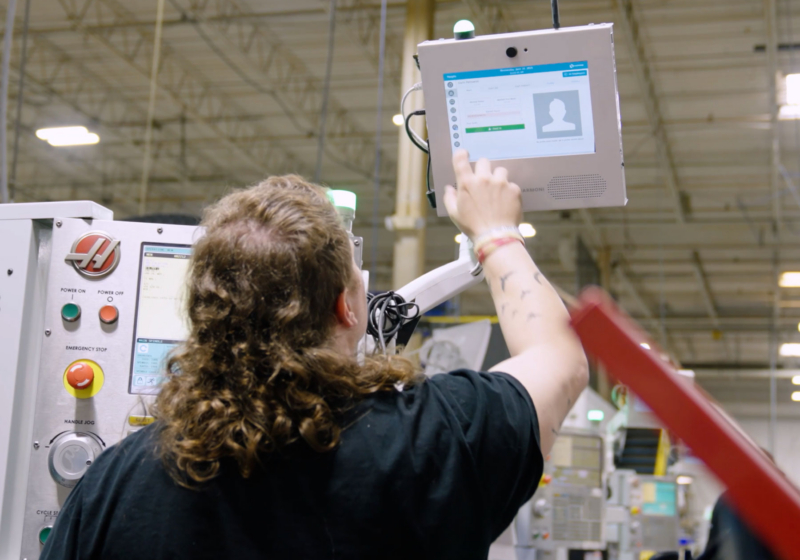
For example, an operator can identify the job at the workcenter with an RFID scan. The system can then validate the job and part revision against the machine and deliver the associated approved program and setup information.
A controlled program process needs a clear path from draft to production. Engineering should be able to update a program, route it for review and approval, and designate the approved version for use.
Once a new revision is approved, the previous revision should no longer be available for routine production. The system should also record who made or approved the change and when it became active.
That record helps teams answer practical questions later:
A digital audit trail makes it easier to investigate a quality issue and verify that the right controls were in place.
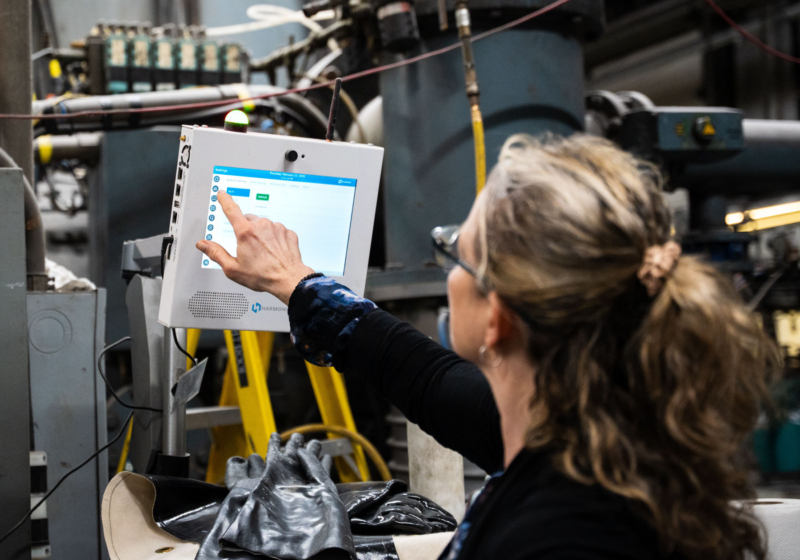
Even with good revision control, a process can break down if operators still need to search across folders or type in program names. The approved program should be delivered where the work happens, based on the identified job and machine.
Context-aware delivery can present the relevant program alongside setup sheets, tooling requirements, work instructions, and quality checkpoints. That gives the operator the information needed for the current operation without requiring a search through disconnected files.
The goal is to reduce the number of manual decisions involved in getting a job started correctly.
A controlled process needs to do more than recommend the right file. It should prevent unauthorized or unapproved programs from being loaded for production.
When the job, machine, or revision does not match the approved setup, the system should stop the load or flag the mismatch for resolution. If a deviation is authorized, the exception should be documented so it can be reviewed later.
This moves program control from a reminder to an enforceable part of the production workflow.
A complete record should connect the program transaction to the production event. At a minimum, the system should capture the program revision, job, machine, operator, and timestamp.
This information helps quality, engineering, and production teams trace what happened without relying on handwritten notes or memory. It also makes it easier to confirm that a corrective action is working after a program or process change.
Review your current process against these questions:
If several answers are unclear, the process may depend on manual checks that are difficult to sustain across shifts and workcenters.
Preventing the wrong CNC program from reaching a machine starts with connecting approved programs to the work being performed. Job identification, revision control, machine validation, and controlled delivery help reduce the chances that an outdated or incorrect file reaches the CNC control.
Harmoni’s process-control capabilities tie program delivery to revision control and the active job, machine, and operation. When a job is identified at the workcenter, Harmoni can validate the approved revision, deliver the relevant program and instructions, block unauthorized actions, and record each transaction.
The result is a more controlled path from engineering approval to the first cut.