November 13, 2026
Before You Buy Another Machine, Understand Your Existing Capacity
Read More
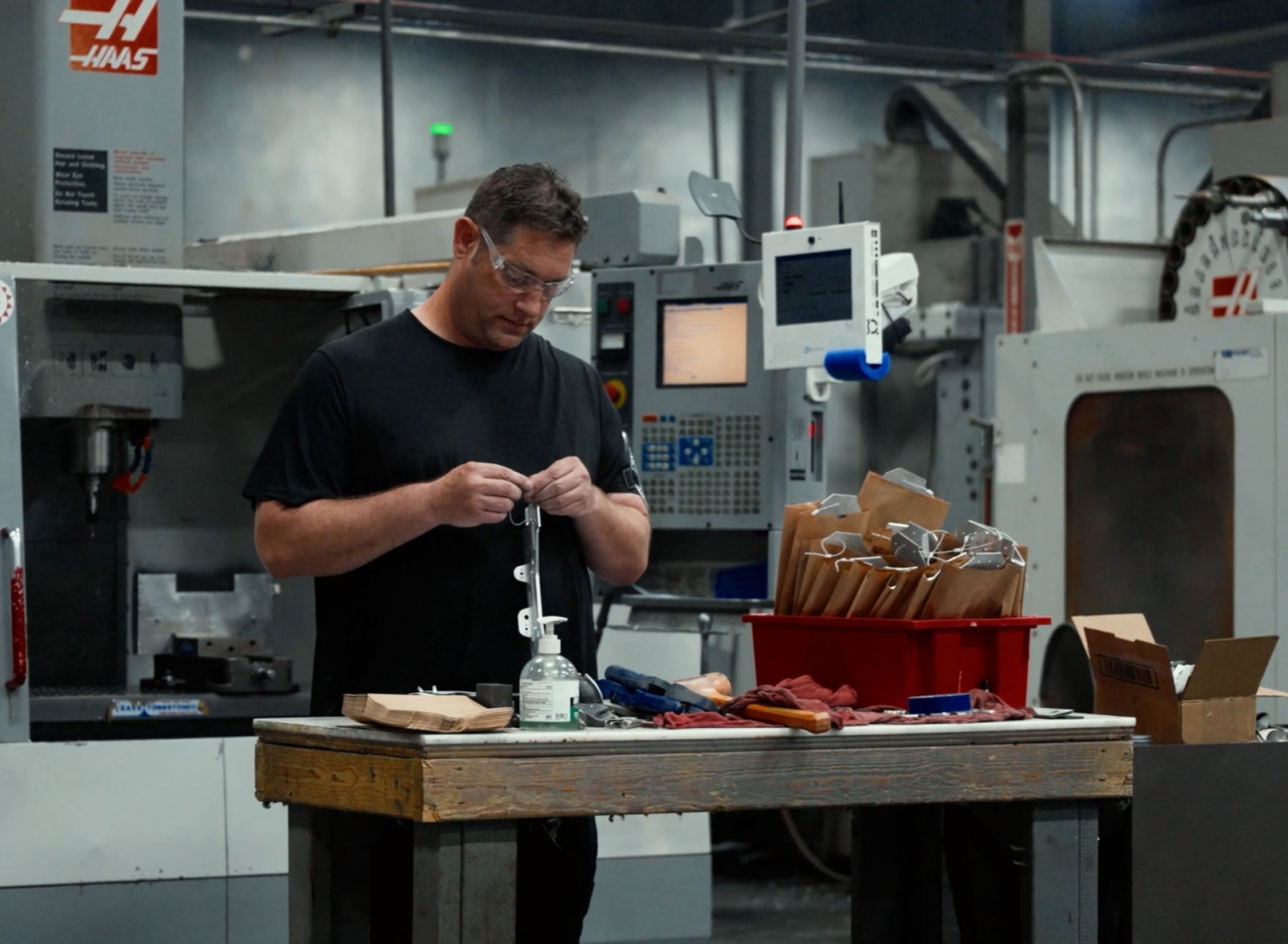
Manufacturers are moving AI beyond experiments and into day-to-day operations. That shift brings a practical question to the shop floor: when should AI provide information, when should it recommend an action, and when can it act on its own?
There is no single answer for every factory or every task. A useful approach is to match the level of AI authority to the risk and reversibility of the decision. AI may be able to handle routine coordination with little friction, while decisions that affect quality, safety, or approved processes need clear human review.
The goal is not to put a person in the way of every AI-assisted task. It is to make sure the right person can understand, verify, and step in when a decision calls for judgment.
Before introducing AI into a workflow, identify the decision the team wants to improve. Is the goal to find an instruction faster, catch a missed step, prioritize an exception, or change a production plan?
Then ask what happens if the system is wrong. A mistaken summary of a job status may be easy to correct. An incorrect process change could create scrap, rework, or a quality issue. The more consequential the outcome, the more carefully manufacturers should define approval and escalation.
This keeps an AI project focused on a real operating need instead of asking employees to fit a new tool into work that is already going well.
A simple way to set boundaries is to group AI use into three levels.
At this level, AI helps people find or understand information, but does not recommend or make the decision. It might summarize a job’s current status, locate the latest work instruction, or explain what information is available about a machine event.
The operator or supervisor decides what to do next. This can be a good starting point when teams are learning how AI performs in their environment.
Here, AI identifies a possible next step for a person to review. For example, it might flag that a job is waiting on a material check, suggest that a supervisor review a production delay, or point out that a required step appears incomplete.
The recommendation should include enough context for the person to evaluate it: what the system observed, which job or machine is involved, and what information supports the suggestion. A recommendation without that context is difficult to trust or verify.
Some routine, low-risk actions may be suitable for automation once the process is understood. For example, a system might send a notification to a defined role when a known condition occurs, or route an exception to the right work queue.
These actions still need boundaries. Define what the system is allowed to do, what conditions should stop it, and who is notified. Keep a record of the action so that people can review what happened.
The three levels are not a maturity ladder that every workflow must climb. Some tasks may remain at “inform” because the decision depends on expertise that is hard to encode. Others may be appropriate for bounded automation from the start.
Human review is especially important when an action could affect:
In these cases, AI can still help by assembling relevant information, surfacing the applicable instruction, or directing the issue to the right person. The human role should be clear: who reviews the recommendation, what they need to check, and how the workflow proceeds if they disagree.
A human-in-the-loop process only works if people know when and how to get involved. Establish a few basic rules before rollout:
These rules help teams treat AI as part of an operating process, with roles and accountability, rather than as a separate tool whose output someone has to interpret after the fact.
Operators and supervisors can often spot problems that are invisible in a project plan: an instruction that is hard to find, an alert that arrives too late, or a recommendation that does not account for how a job is actually run.
Include the people who will use the workflow when choosing a first use case and reviewing early results. Ask whether the information is useful at the moment it appears, whether the next step is clear, and whether the system makes it easier to raise an exception. Their feedback can help teams improve the workflow and avoid adding friction to the work.
Measure the result the team set out to improve. Depending on the use case, that could mean less time spent searching for information, faster response to production exceptions, fewer missed steps, or fewer avoidable escalations.
Also track whether people accept, change, or reject AI recommendations. A high override rate may point to missing context, unclear rules, or a workflow that needs adjustment. A low override rate is not proof that the system is right; pair it with checks on quality, safety, and the outcome the AI was intended to support.
Review the results with operators, supervisors, and process owners. Expand the system’s role only when the workflow is performing reliably and the people accountable for it understand its limits.
As AI moves into manufacturing operations, deciding where people stay involved is part of designing the workflow. Start with a specific shop-floor decision, match the system’s authority to the risk, and make review and escalation straightforward.
When AI can draw on current production context and route issues to the people responsible, it can help teams act with greater speed and clarity. The people closest to the work remain essential: they provide judgment, recognize exceptions, and help ensure that actions on the shop floor meet the requirements of the job.
HAL, the Harmoni AI Lieutenant, is context-aware AI built for front-line manufacturing operators. It runs on Harmoni’s Factory Orchestration platform, which connects people, machines, production systems, and engineering requirements at the workcenter.
That live context helps HAL understand what an operator is asking about: the job, part, machine, operator, production status, process instructions, and relevant quality requirements. An operator can ask a question in the middle of a job and get an answer grounded in the work underway, instead of having to piece together information from disconnected systems.
HAL is designed to help operators find and act on relevant information. It does not remove the need for human judgment or established approval steps. When a question involves a quality concern, safety issue, or change to an approved process, the operator should follow the manufacturer’s procedures and involve the appropriate person.
That is the practical role AI can play on the shop floor: make the right context easier to access, help people respond with clarity, and keep responsibility for consequential decisions with the people accountable for the work.